


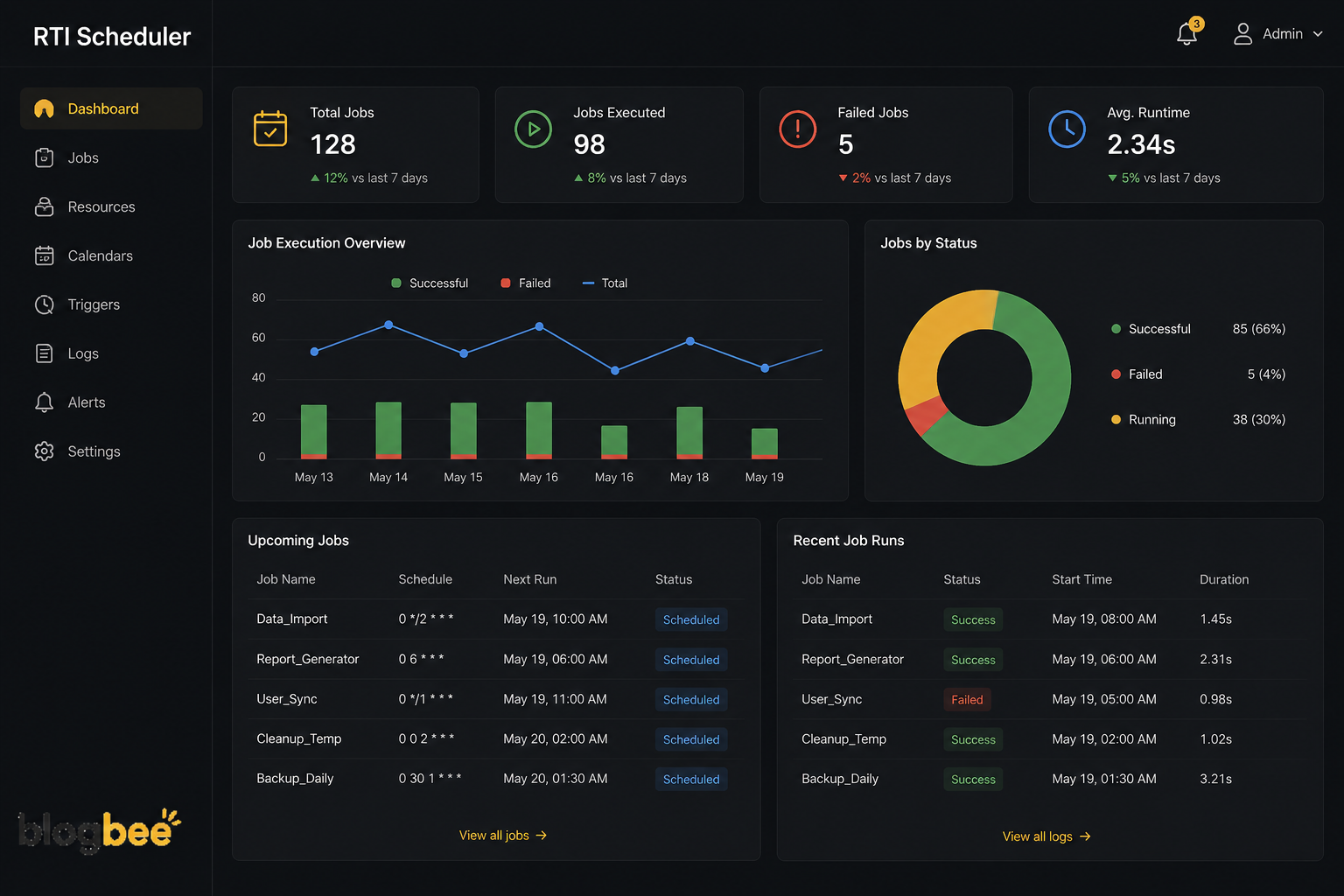
If you work in a middle school or high school and you’ve ever tried to coordinate intervention periods using a shared spreadsheet, you already know why an rti scheduler exists. Response to Intervention programs sound simple on paper, get the right kids into the right support session at the right time, but the actual logistics of pulling that off across hundreds of students and dozens of staff members is genuinely difficult without dedicated software. This article breaks down what an rti scheduler actually does, why schools adopt one, what features actually matter, and how to make the most of one once it’s in place.
What an RTI Scheduler Actually Does
At its core, an rti scheduler is a digital tool used by schools to plan, organize, and track student intervention sessions. Rather than teachers manually figuring out which students need to be where during a flex block, the software identifies which students need support and automatically schedules group sessions based on their individual needs. This matters more than it sounds, because a single flex period in a school of a thousand students can involve dozens of overlapping intervention groups, enrichment activities, and makeup sessions all happening at once.
One of the more practical functions built into most rti schedulers is conflict prevention. The system ensures that time slots do not overlap with regular classes or scheduled assessments, which used to be one of the most tedious parts of manual scheduling. Anyone who has tried to coordinate this by hand knows how easy it is to accidentally double-book a student or place them in an intervention session that conflicts with a test they’re supposed to be taking elsewhere. Automating that conflict check alone removes a significant chunk of the administrative burden that intervention coordinators used to carry.
Beyond just placing students into sessions, these platforms typically centralize everything related to the intervention process in one place. Teachers no longer need separate notebooks, spreadsheets, or paper worksheets to track student progress, since everything gets stored securely within the system. This centralization becomes especially valuable when a student moves between intervention groups multiple times throughout the year based on changing needs, since the entire history stays attached to their profile instead of being scattered across different teachers’ personal tracking methods.
Why Schools Are Moving Away From Manual RTI Scheduling
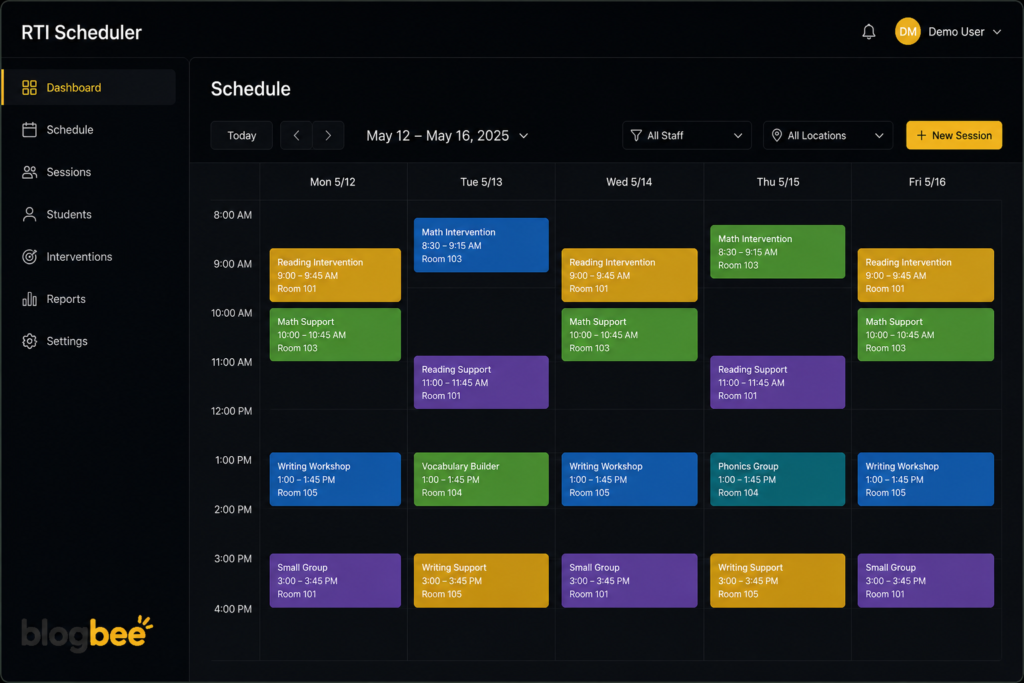
The shift toward dedicated scheduling software didn’t happen because manual methods were impossible, it happened because they were unsustainable at scale. Creating intervention groups manually takes considerable time and frequently leads to mismatched student needs, since a single staff member trying to balance dozens of student profiles against available session slots is bound to make errors eventually. An rti scheduler automatically groups students based on academic performance, intervention level, and specific learning needs, which produces more consistent groupings than manual sorting typically achieves. Rti scheduler is what many institutions are expressing their interest in.
Consistency is actually one of the more underrated benefits here. Interventions only work if they happen reliably and on schedule, and automated reminders reduce missed sessions by keeping teachers aware of upcoming responsibilities without relying on memory or sticky notes. When a school runs dozens of intervention groups simultaneously across a flex period, even small scheduling errors compound quickly, turning what should be a productive support block into a chaotic scramble of students unsure where to go.
There’s also a reporting and accountability angle that manual systems simply can’t match. Schools rely on documentation to demonstrate that intervention plans are being followed and that students are actually receiving the support they’re assigned, particularly for compliance purposes tied to formal RTI or MTSS frameworks. Automated attendance tracking, session-by-session participation rates, and trend analysis over time give administrators and intervention teams a clear picture of what’s actually happening, rather than relying on anecdotal reports from individual teachers about how their groups are going. Rti scheduler is getting famous amongst many institutions and they are using rti scheduler regularly.
Core Features Worth Looking For
Not every rti scheduler on the market offers the same depth of functionality, so it helps to know which features actually move the needle for a school’s day-to-day operations. Rapid or flexible scheduling capability tends to matter most, since intervention needs change frequently and a tool that only supports rigid, semester-long schedules doesn’t reflect how RTI programs actually function in practice. The ability to create schedules as frequently as needed, whether daily or weekly, with options for teacher priority selection and locking specific slots, gives coordinators the flexibility to adjust as student needs shift throughout the year.
Student self-enrollment is another feature that significantly reduces administrative overhead in schools that use it. Allowing students to enroll themselves into open sessions from a phone, tablet, or computer removes a layer of manual data entry that would otherwise fall on teachers or counselors. This becomes particularly useful for enrichment sessions or elective-style intervention blocks where students have some choice in what they attend, since it shifts part of the scheduling workload onto the students themselves rather than requiring staff to manage every single placement by hand.
Integration capability shouldn’t be overlooked either, especially for schools already using a student information system to manage enrollment and academic records. Data sync features that keep records automatically updated, along with compatibility with major student information systems like Skyward, Infinite Campus, and Aeries, mean the scheduling tool doesn’t become an isolated system that requires constant manual updates to stay accurate. A scheduler that doesn’t talk to the rest of a school’s existing tech stack tends to create more work rather than less, which defeats much of the purpose of adopting the software in the first place.
Planning Your RTI Strategy Before Choosing Software
It’s worth being honest that software alone doesn’t fix a poorly planned intervention program. Before implementing any scheduling tool, schools need to make deliberate decisions about where to schedule students for intervention and for what specific purpose. Data should drive these decisions, whether that means academic performance metrics, behavioral indicators, or input from counselors and psychologists, since the goal is ensuring students get exactly the kind of support they actually need rather than a generic placement based on convenience.
Naming and structuring the intervention block itself matters more than schools often realize. Giving the block a neutral name and scheduling it at a common time during the day that applies to all students, rather than pulling specific kids out of regular classes, helps prevent students from feeling singled out or negatively labeled for receiving support. Terms like flex period, power hour, or WIN time (What I Need) are common approaches schools use specifically to normalize the intervention block as something every student participates in, rather than something only struggling students experience.
Once the overall strategy is mapped out, including how intervention need gets determined and how long a student typically stays in a given intervention track, an rti scheduler becomes a tool for executing that plan rather than a replacement for having one. Schools that adopt scheduling software without first clarifying their intervention criteria often end up with a technically efficient system that’s still organizing students inconsistently, simply because the underlying decision-making process wasn’t solid to begin with. The software amplifies whatever process feeds into it, for better or worse.
Getting the Most Out of an RTI Scheduler Long Term
Once a scheduling system is in place, ongoing data review becomes the piece that actually determines whether the intervention program improves outcomes over time. Tracking attendance, engagement, and usage patterns within the intervention period helps identify not just whether students are showing up, but whether the sessions themselves are producing measurable progress. A student who attends every session but shows no improvement over several weeks likely needs a different type of support entirely, and that pattern only becomes visible when attendance and progress data are reviewed together rather than in isolation.
Staff communication remains just as important as the technology itself, even with a fully automated system running in the background. Regular check-ins between teachers, counselors, and administrators about which students are progressing and which ones need a reassessment of their intervention plan keep the scheduling software aligned with actual classroom reality. The system can automate the mechanics of scheduling, but it can’t replace the professional judgment involved in deciding when a student’s intervention plan needs to change.
Finally, schools that get the most value out of an rti scheduler tend to treat it as a living part of their intervention strategy rather than a one-time setup they configure and forget. Revisiting group sizes, session frequency, and even the naming conventions of the intervention block periodically ensures the system keeps matching the actual needs of the student population, which naturally shifts from year to year as enrollment changes and new intervention priorities emerge.
Frequently Asked Questions
What is an RTI scheduler used for?
It’s software used by schools to organize, assign, and track student intervention and enrichment sessions, automatically avoiding scheduling conflicts with regular classes.
How does an RTI scheduler decide which group a student joins?
Most systems group students based on academic performance data, intervention level, and specific learning needs rather than manual sorting by staff.
Can students enroll themselves in intervention sessions?
Many RTI scheduling platforms include a self-enrollment feature that lets students choose or confirm sessions directly from a phone, tablet, or computer.
Does an RTI scheduler integrate with existing school software?
Most established platforms support integration with common student information systems, allowing enrollment and academic data to sync automatically instead of requiring manual updates.
Is RTI scheduling software only for large schools?
No, while larger schools often see the biggest time savings due to scale, smaller schools running flex time or intervention blocks also benefit from centralized tracking and automated conflict checks.
What should a school do before choosing an RTI scheduler?
Schools should first clarify how they determine intervention need, how groups are structured, and how the intervention block fits into the daily schedule, since software works best when it’s executing a clear existing plan.
You May Also Read: Tips for Tech Beaconsoft

